Voxtral TTS Voice Generator
Voxtral TTS converts your text into natural, human-like speech with voice cloning from just 3 seconds of reference audio. Supporting 9 languages with under 90ms response time, it powers podcasts, audiobooks, real-time voice agents, and multilingual content — all without needing a recording studio.









Your generated audio will appear here
Voxtral TTS: Human-Quality Speech from Any Text
Voxtral TTS turns written words into expressive, natural-sounding speech — clone any voice in seconds, speak any language, and respond in real time.
Clone Any Voice from 3 Seconds of Audio
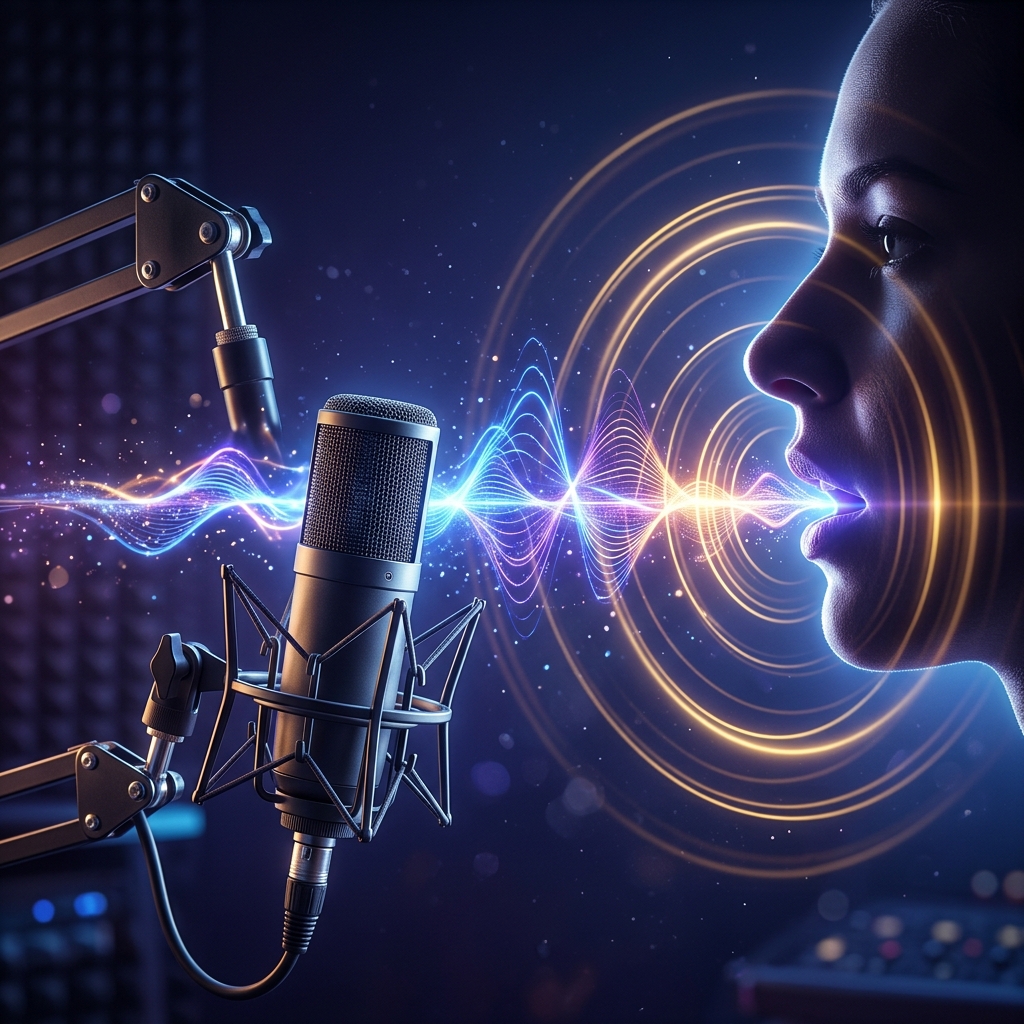
Upload a short voice sample — just 3 seconds — and Voxtral TTS instantly learns that voice's tone, rhythm, and personality. The cloned voice speaks your text exactly the way the original speaker would, capturing natural rises and falls in pitch without any extra setup. Use it to narrate your content in a consistent voice across every piece you produce.

Speak 9 Languages — Switch Without Re-recording
Record once in English, then deliver the same content in French, Spanish, German, Arabic, Hindi, Portuguese, Italian, or Dutch — all in the same cloned voice. Voxtral TTS handles cross-language voice transfer naturally, so your audience hears a familiar, consistent speaker in their own language. No separate voice actors, no re-recording sessions.
Real-Time Responses Under 90 Milliseconds
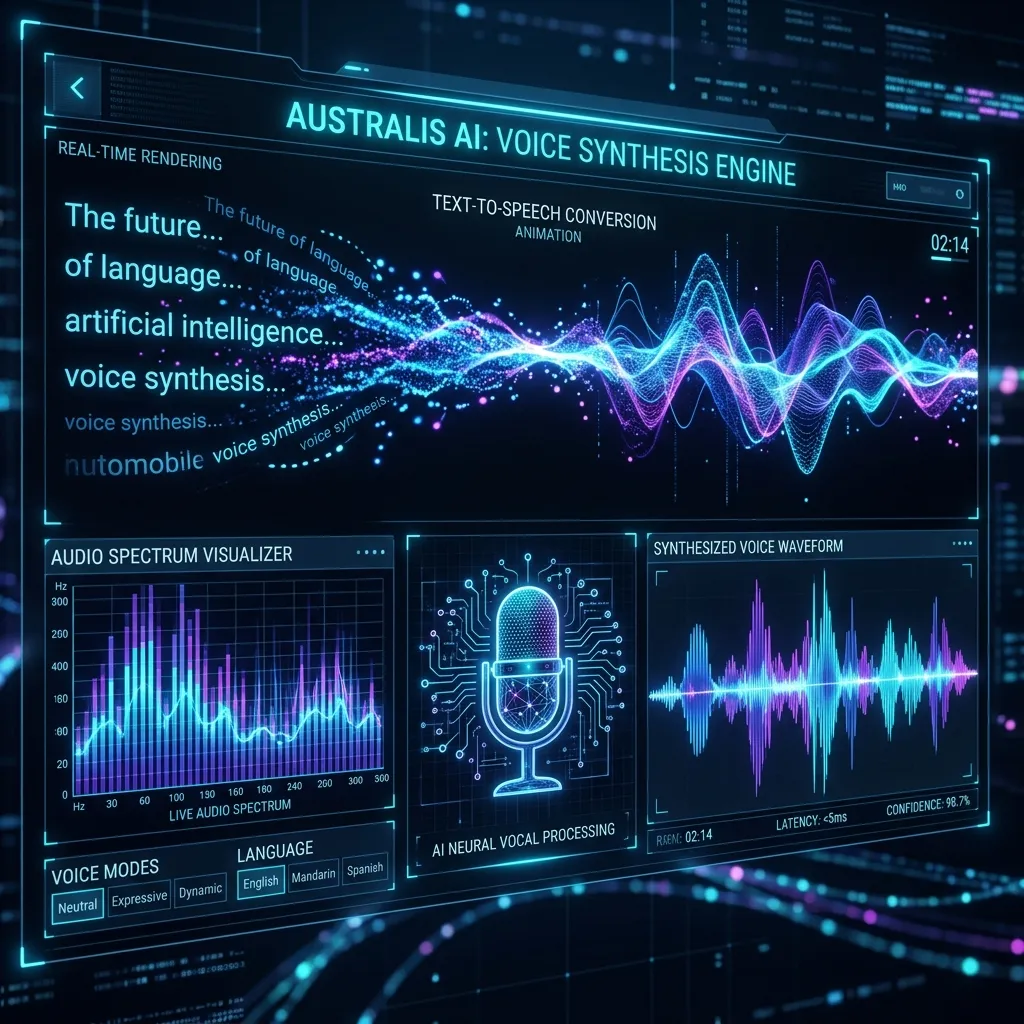
Most voice tools make your audience wait seconds before hearing a response. Voxtral TTS delivers the first word in under 90ms — fast enough for live conversation, interactive voice assistants, and real-time customer service bots. Listeners never experience the awkward pause that makes AI voices feel robotic.

Voice Follows Emotion — No Tags Required
Instead of adding markup like [excited] or [whisper], simply provide a reference audio clip with the mood you want. Voxtral TTS reads the intonation, pace, and emotional style directly from the sample and applies it to your new text. The result feels like a real person reading your script — not a machine following instructions.
From Text to Speech in 3 Steps
Generate natural, expressive audio with Voxtral TTS — no recording studio, no voice actors needed.
Paste Your Text and Choose a Voice
Type or paste any text — up to 4,000 characters per session. Choose a preset voice or upload a 3-second reference audio clip to clone a specific voice. Select your target language from English, French, Spanish, German, Arabic, Hindi, Portuguese, Italian, or Dutch.
Set the Style and Speed
Upload a mood reference audio to guide the emotional delivery — calm narration, energetic announcement, or warm storytelling. Adjust playback speed between 0.5x and 2x for faster presentations or slower audiobook pacing. Preview before committing.
Generate and Download Your Audio
Click Generate and receive a high-quality MP3 file within seconds. The audio is ready for podcasts, YouTube narration, audiobook chapters, video voiceovers, or embedding directly into your app or customer service system.
What Makes Voxtral TTS Stand Out
Key advantages that make Voxtral TTS the preferred choice for natural AI voice generation.
⚡ Responds in Under 90ms — Feels Like Real Conversation
Typical AI voice tools pause for 2-5 seconds before speaking. Voxtral TTS delivers the first word in under 90 milliseconds — fast enough for phone calls, live chat assistants, and interactive kiosk systems where silence kills trust.
🎭 Emotion Without Extra Effort
Other tools require you to manually tag every sentence with emotion codes like [cheerful] or [sad]. Voxtral TTS reads the feeling from your reference audio and applies it automatically — saving hours of tedious markup work per project.
🌍 9-Language Voice Cloning From One Recording
Record your voice once in any supported language, then publish in nine others using the same cloned voice. Unlike competing tools that switch to a different synthetic voice per language, Voxtral TTS keeps the same speaker identity across every market you serve.
🎙️ Podcast Narration That Sounds Like a Human Host
Produce full podcast episodes, audiobook chapters, and explainer video narrations without hiring voice talent. The cloned voice maintains consistent pacing and personality across 10-minute recordings — no robotic monotone, no inconsistent quality between paragraphs.
🤖 Powers Voice Assistants That Callers Can't Detect as AI
Customer service bots built with Voxtral TTS pass naturalness tests that traditional TTS systems fail. The sub-90ms latency and natural intonation mean callers engage rather than hang up — leading to measurably higher completion rates on automated flows.
🔒 Run Privately — No Audio Sent to Third Parties
Voxtral TTS can run entirely on your own infrastructure without sending voice data through external servers. For industries where audio privacy matters — healthcare, legal, financial — this means professional-quality speech without compliance risk.
Voxtral TTS FAQ
Common questions about Voxtral TTS voice generation — features, languages, formats, and best practices.
How much reference audio does Voxtral TTS need to clone a voice?
Just 3 seconds of clear audio is enough for Voxtral TTS to capture a voice's tone, pitch, and speaking rhythm. For best results, use a clip with minimal background noise and natural speech — a short sentence or two from any recording works well. Longer samples (15-30 seconds) can improve consistency for very expressive or unusual voices.
Which languages does Voxtral TTS support?
Voxtral TTS natively supports 9 languages: English, French, German, Spanish, Dutch, Portuguese, Italian, Hindi, and Arabic. You can also clone a voice from one language and generate speech in a different supported language — the cloned voice identity carries across language boundaries.
What audio formats does Voxtral TTS output?
Generated audio is delivered as high-quality MP3, compatible with all major platforms including podcast hosts, video editors, audiobook distributors, and web players. Streaming output is also available for real-time applications where you need audio to begin playing before the full generation completes.
How does Voxtral TTS handle long texts like full audiobook chapters?
Voxtral TTS supports up to 4,000 characters per generation. For longer content like full chapters or extended scripts, break your text into natural paragraph-sized segments and generate each one separately — the cloned voice remains consistent between segments, so the final audio stitches together seamlessly.
Can I control the emotional tone without using markup tags?
Yes. Instead of adding tags like [excited] or [calm] around sentences, simply upload a short reference audio that demonstrates the mood you want. Voxtral TTS extracts the emotional style directly from that audio and applies it to your text — no manual annotation required.
Can generated audio be used in commercial projects?
Yes. Audio created with Voxtral TTS can be used in commercial projects including branded podcasts, video advertisements, client audiobooks, and customer-facing voice applications. You retain full usage rights to all audio you generate through the platform.