OmniVoice AI Voice Generator
OmniVoice clones any voice from just 3-30 seconds of reference audio and speaks in 646 languages — the broadest language coverage of any voice model available. Design entirely new voices from text descriptions, add natural non-verbal expressions like laughter, and produce high-quality audio for audiobooks, game characters, podcasts, and multilingual content.









Your generated audio will appear here
646 Languages. One Voice. Zero Training.
OmniVoice captures any voice from a short audio clip and speaks it fluently across 646 languages — with natural emotion, precise pronunciation, and no setup required.
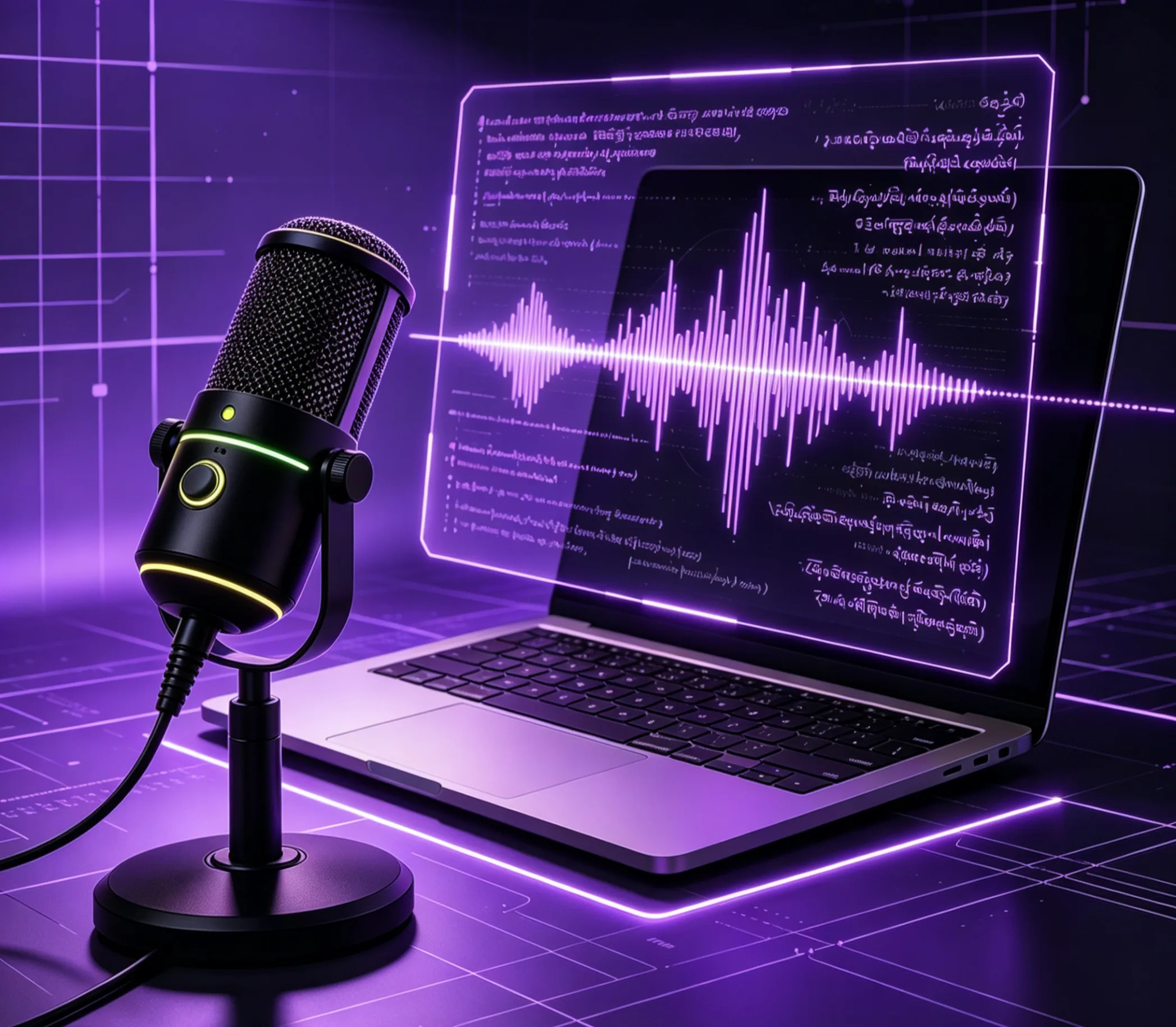
Clone Any Voice from 3 Seconds of Audio
Record a voice sample as short as 3 seconds — a sentence from a podcast, a clip from a video call, or a quick recording on your phone — and OmniVoice captures that speaker's tone, pitch, and rhythm. The cloned voice then reads any text you provide, sounding like the original person speaking naturally. No training sessions, no lengthy uploads, no waiting. The same voice works across all 646 supported languages without losing its identity.
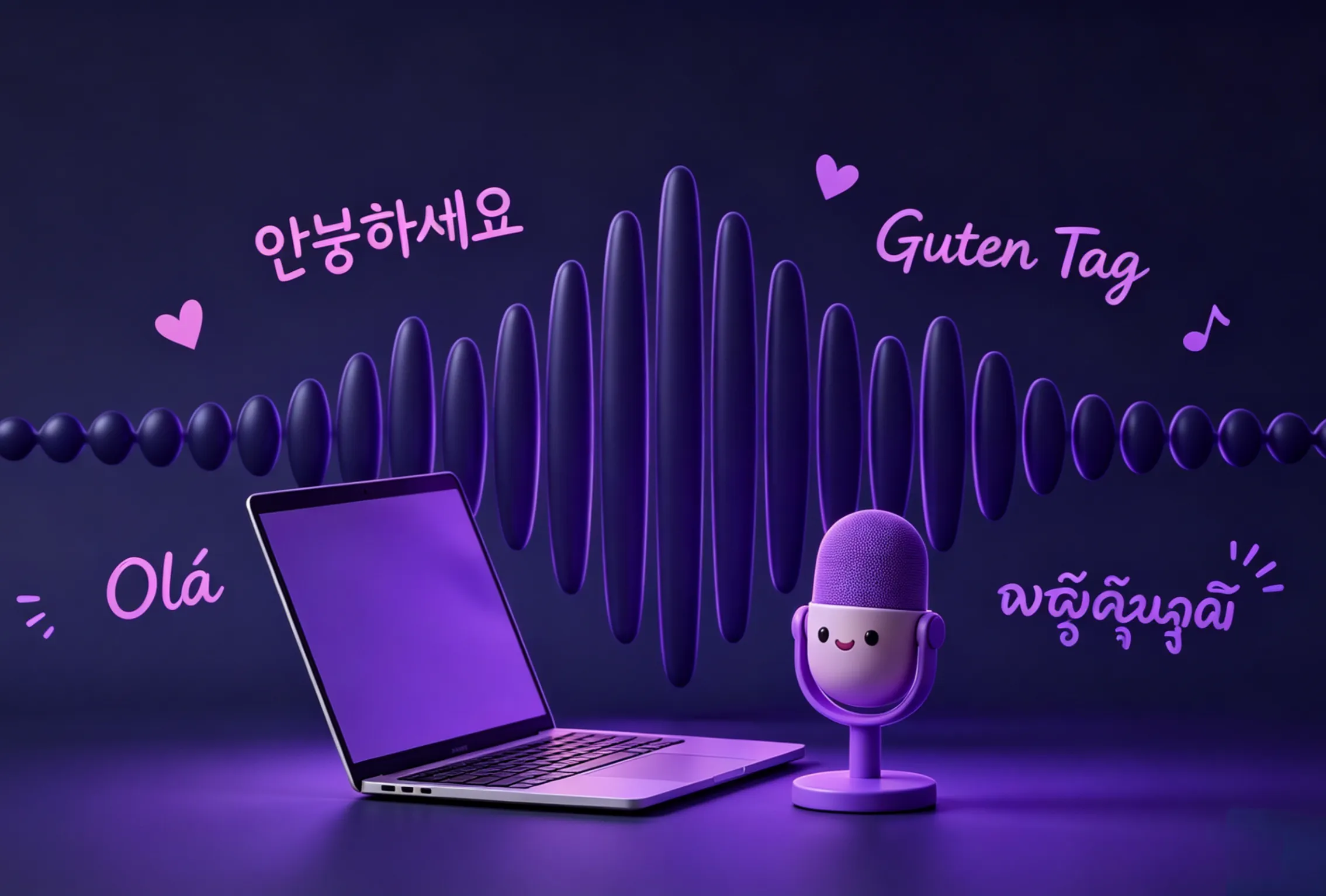
Design a Brand-New Voice from a Text Description
Don't have a reference recording? Describe the voice you want instead. Type something like "middle-aged woman, warm tone, slight British accent" and OmniVoice generates a completely new voice matching that description. Adjust gender, age, pitch, speaking pace, and accent — including 10 English regional accents and 12 Chinese dialects. This voice design capability is unique to OmniVoice and not available in most competing tools.
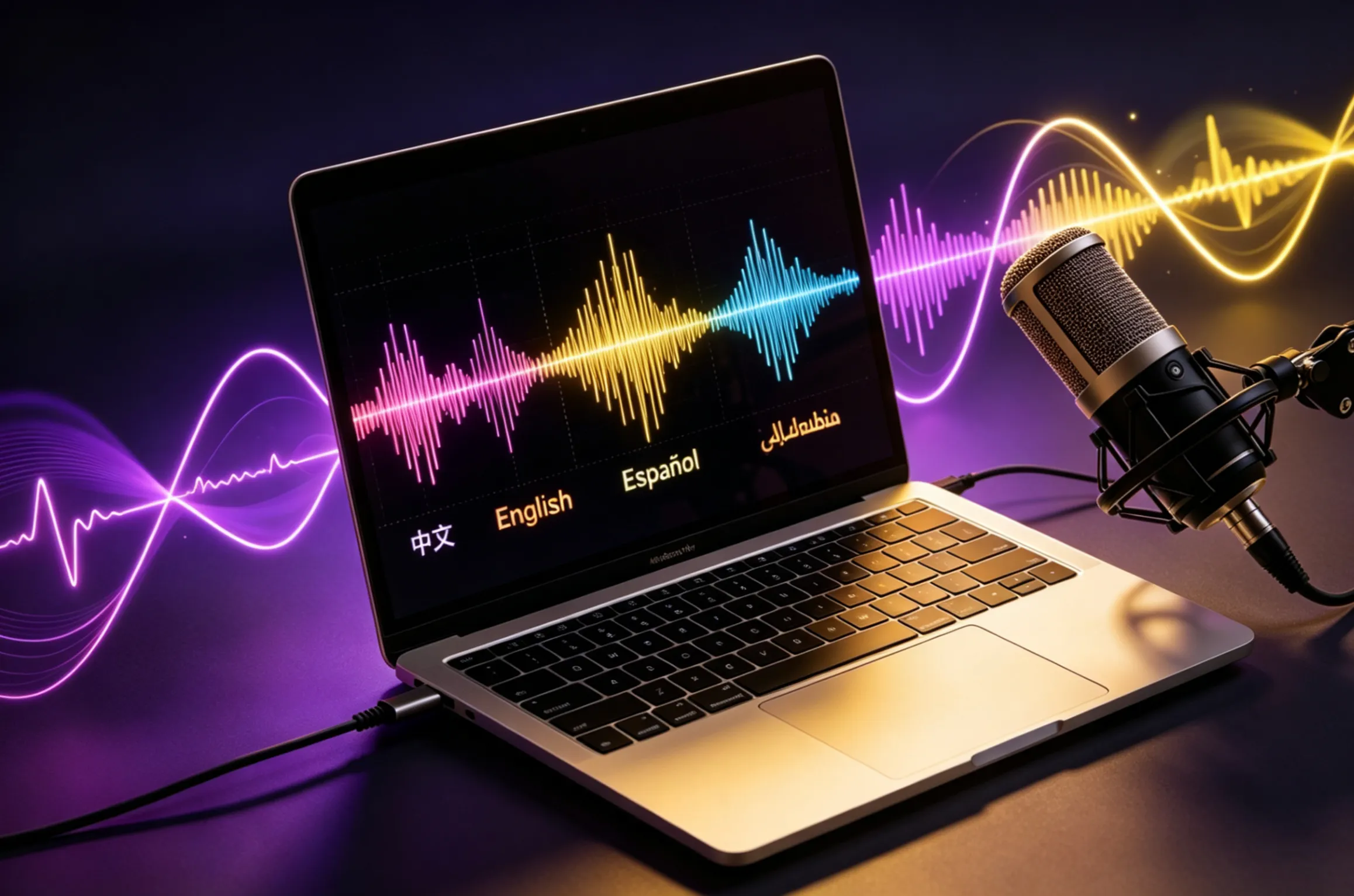
Natural Expressions — Laughter, Sighs, and Emotion
Real speech includes more than words. OmniVoice supports non-verbal expressions like laughter, sighs, and sniffs embedded directly in your text using simple markers. The result is audio that feels genuinely human — a narrator who chuckles at the right moment, a character who sighs with relief, a presenter who pauses naturally. No other voice tool handles these micro-expressions as naturally.
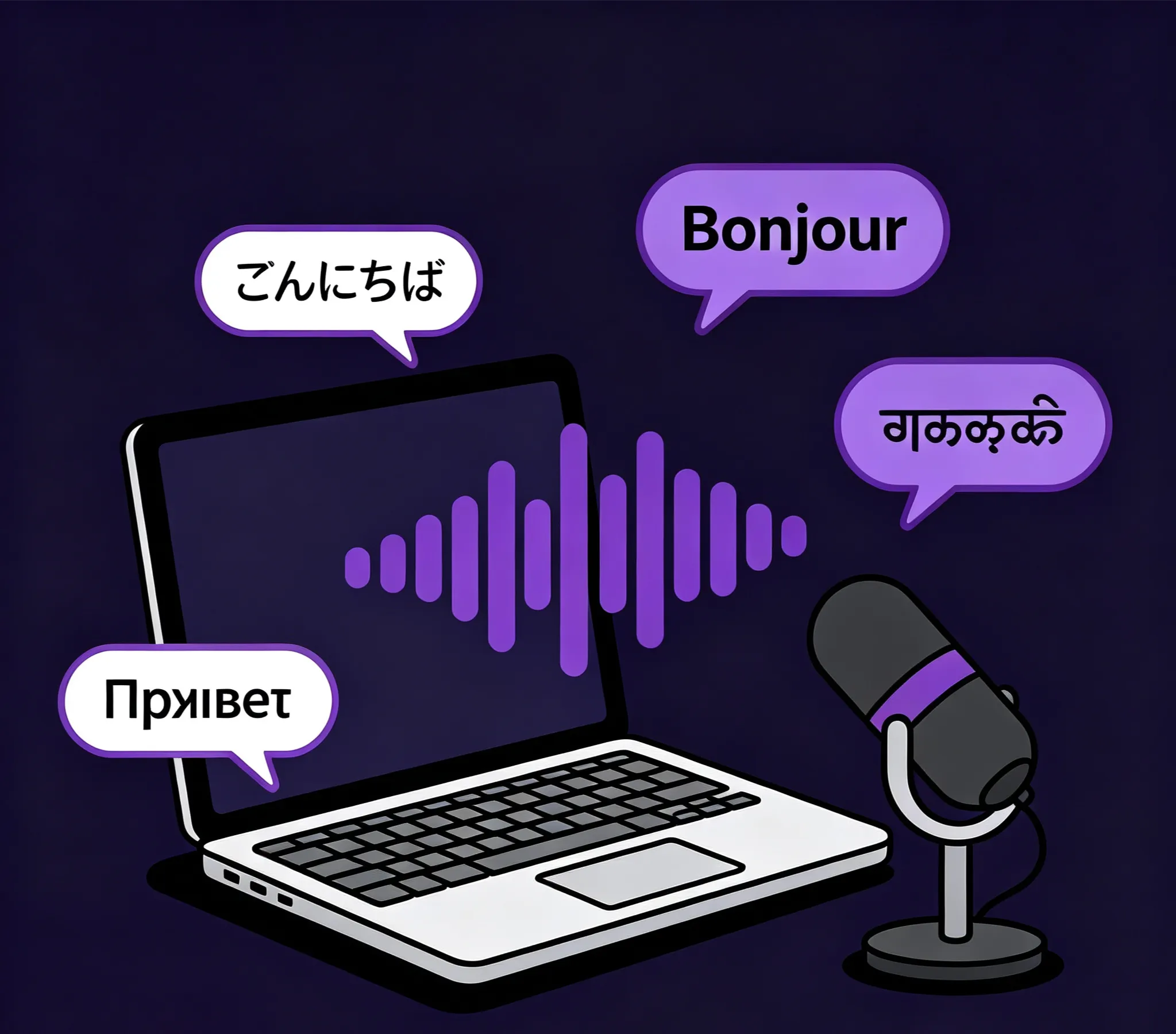
Speak Any Language — Including Low-Resource Ones
OmniVoice covers 646 languages trained on 581,000 hours of speech data — 20 times more languages than ElevenLabs and 5 times more than PlayHT. This includes widely spoken languages like Spanish, Mandarin, and Arabic, as well as hundreds of regional and low-resource languages that other tools simply don't support. Cross-lingual voice cloning means you record once in English and deliver in any other language using the same cloned voice.
From Text to Natural Speech in 3 Steps
Generate multilingual audio with any voice — no recording studio, no voice actors, no training required.
Choose Your Voice Source
Upload a 3-30 second audio clip to clone an existing voice, or describe the voice you want in plain text — for example, "young male, energetic tone, American accent." You can also select from preset voices for quick generation. All three options produce the same high-quality output.
Enter Your Text and Select a Language
Type or paste the text you want spoken. Choose from 646 supported languages — the cloned or designed voice will speak your text in whichever language you select, even if the original reference audio was recorded in a different language. Add non-verbal markers like [laughter] or [sigh] anywhere in the text for natural expression.
Generate and Download Your Audio
Click Generate and receive your audio file within seconds. Download as a high-quality WAV file ready for audiobooks, game dialogue, podcast narration, video voiceovers, or any other project. The same voice remains consistent across multiple generations, so long-form content sounds cohesive from start to finish.
What You Can Do with OmniVoice
Key advantages that make OmniVoice the most versatile voice generation tool available.
🌍 646 Languages — The Widest Coverage Available
OmniVoice supports 646 languages in a single model — 20x more than ElevenLabs (32 languages) and 5x more than PlayHT (132 languages). Reach audiences in regional languages, minority languages, and markets that other tools simply can't serve.
🎭 Design Voices Without a Recording
Describe the voice you need in plain text and OmniVoice creates it from scratch. Specify gender, age, pitch, accent, and speaking style — including 10 English accents and 12 Chinese dialects. No reference audio required, no voice actor to hire.
😄 Human-Like Non-Verbal Expressions
Add laughter, sighs, sniffs, and other natural sounds directly in your script. OmniVoice renders these expressions naturally within the speech flow — making narrators, characters, and presenters sound genuinely human rather than robotic.
🔊 Cleaner Output from Noisy Reference Audio
Most voice tools struggle when the reference clip has background noise or poor recording quality. OmniVoice separates the speaker's voice from background interference, extracting clean voice characteristics even from imperfect source material.
🎯 Precise Pronunciation for Any Language
For words that need exact pronunciation — names, technical terms, foreign words — OmniVoice accepts phonetic annotations to override the default reading. Your audio sounds correct even for unusual or specialized vocabulary.
⚡ 40x Faster Than Real-Time Generation
OmniVoice generates audio at 40 times the speed of real-time playback. A 60-second audio clip takes about 1.5 seconds to produce. Batch multiple scripts in a single session and get all your audio files back in minutes, not hours.
OmniVoice FAQ
Common questions about OmniVoice voice generation — languages, voice cloning, expressions, and best practices.
How many languages does OmniVoice support, and does it include my language?
OmniVoice supports 646 languages — the broadest coverage of any voice model available. This includes all major world languages (English, Spanish, Mandarin, Arabic, Hindi, French, German, Japanese, Korean, Portuguese) plus hundreds of regional and minority languages. If your language is spoken by a community with recorded speech data, there is a strong chance OmniVoice supports it.
Can I clone a voice from a noisy or low-quality recording?
Yes. OmniVoice includes built-in noise handling that separates the speaker's voice characteristics from background sounds. A clip recorded in a café, on a phone call, or with light background music can still produce a usable voice clone. For best results, use the clearest available recording — but OmniVoice handles imperfect audio better than most competing tools.
What is voice design, and how is it different from voice cloning?
Voice cloning copies an existing person's voice from a reference audio clip. Voice design creates a brand-new voice that has never existed, based on a text description you provide — for example, "elderly male, deep voice, calm pace, Southern US accent." Voice design is useful when you need a specific character voice but don't have a real person to record from.
How do I add laughter or other natural sounds to my audio?
Insert non-verbal markers directly in your text where you want the expression to appear. For example: "That's a great point [laughter] — I hadn't thought of it that way." OmniVoice recognizes markers like [laughter], [sigh], and [sniff] and renders them naturally within the speech flow, at the correct timing and volume.
Can I use the same cloned voice across multiple audio files?
Yes. As long as you use the same reference audio clip or voice design description, OmniVoice produces a consistent voice across all your generations. This makes it suitable for long-form projects like full audiobooks, multi-episode podcasts, or game character dialogue libraries where voice consistency across many files is essential.
Can OmniVoice-generated audio be used in commercial projects?
Yes. Audio generated with OmniVoice can be used in commercial projects including audiobooks, video games, branded podcasts, advertising voiceovers, and customer-facing applications. You retain full usage rights to all audio you generate through the platform.