VoxCPM 2 AI Voice Generator
VoxCPM 2 converts text into natural, expressive speech across 30 languages — with no language tags required. Design entirely new voices from a text description, clone any voice from a short audio clip with full emotion control, and receive 48kHz studio-quality audio. Built by OpenBMB, VoxCPM 2 automatically reads the mood and tone from your text and adjusts the delivery to match.









Your generated audio will appear here
VoxCPM 2: Design, Clone, and Speak in 30 Languages
VoxCPM 2 gives you three ways to create any voice you need — describe it, clone it, or let the AI match the tone of your text automatically.
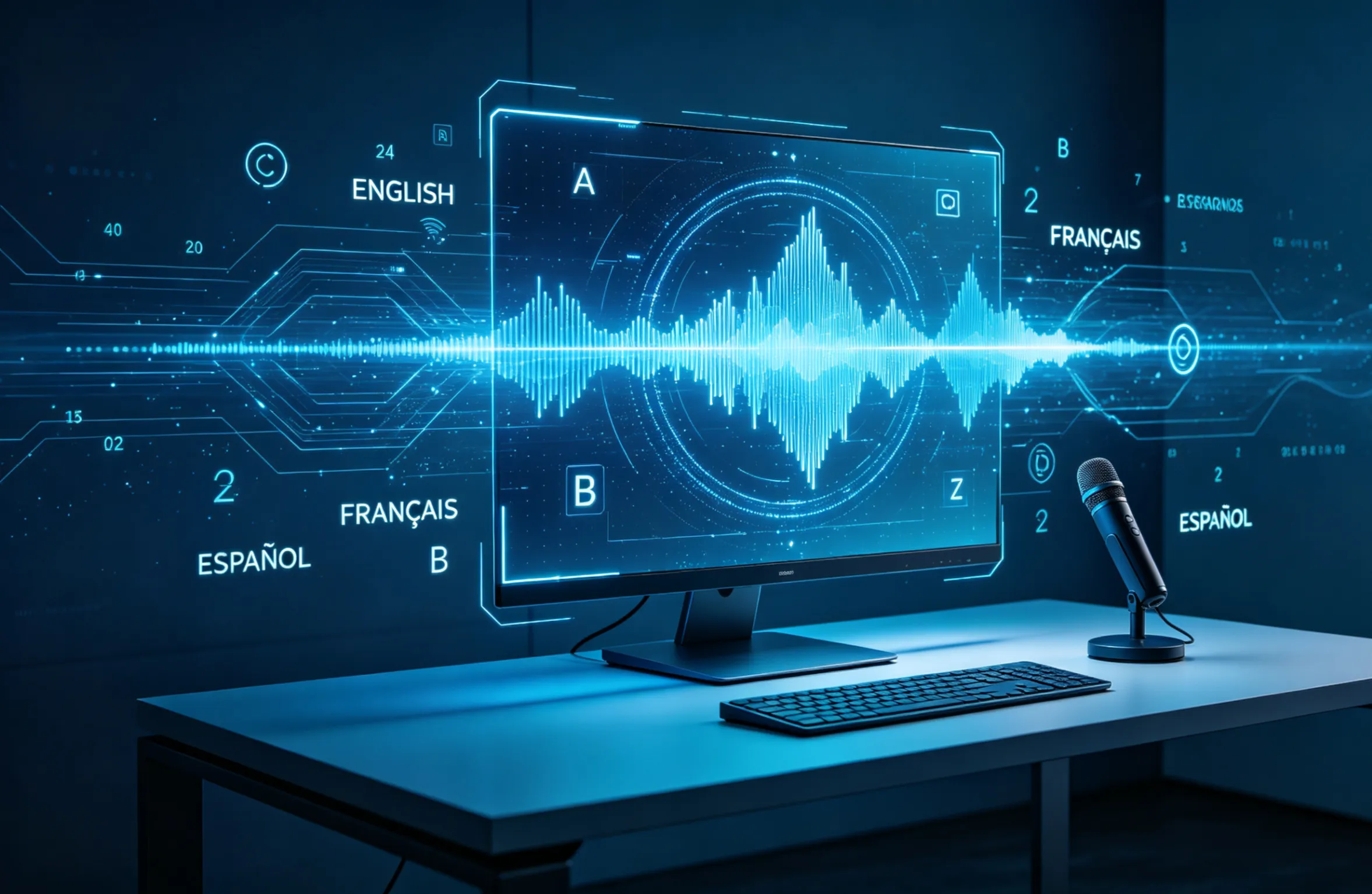
Design a Voice from a Text Description — No Recording Needed
Describe the voice you want in plain language — "young woman, warm and calm tone, slight French accent" — and VoxCPM 2 creates it from scratch. No reference audio, no voice actor, no recording session. The generated voice is entirely new and ready to speak any text you provide. Adjust gender, age, speaking pace, and emotional tone just by changing your description.
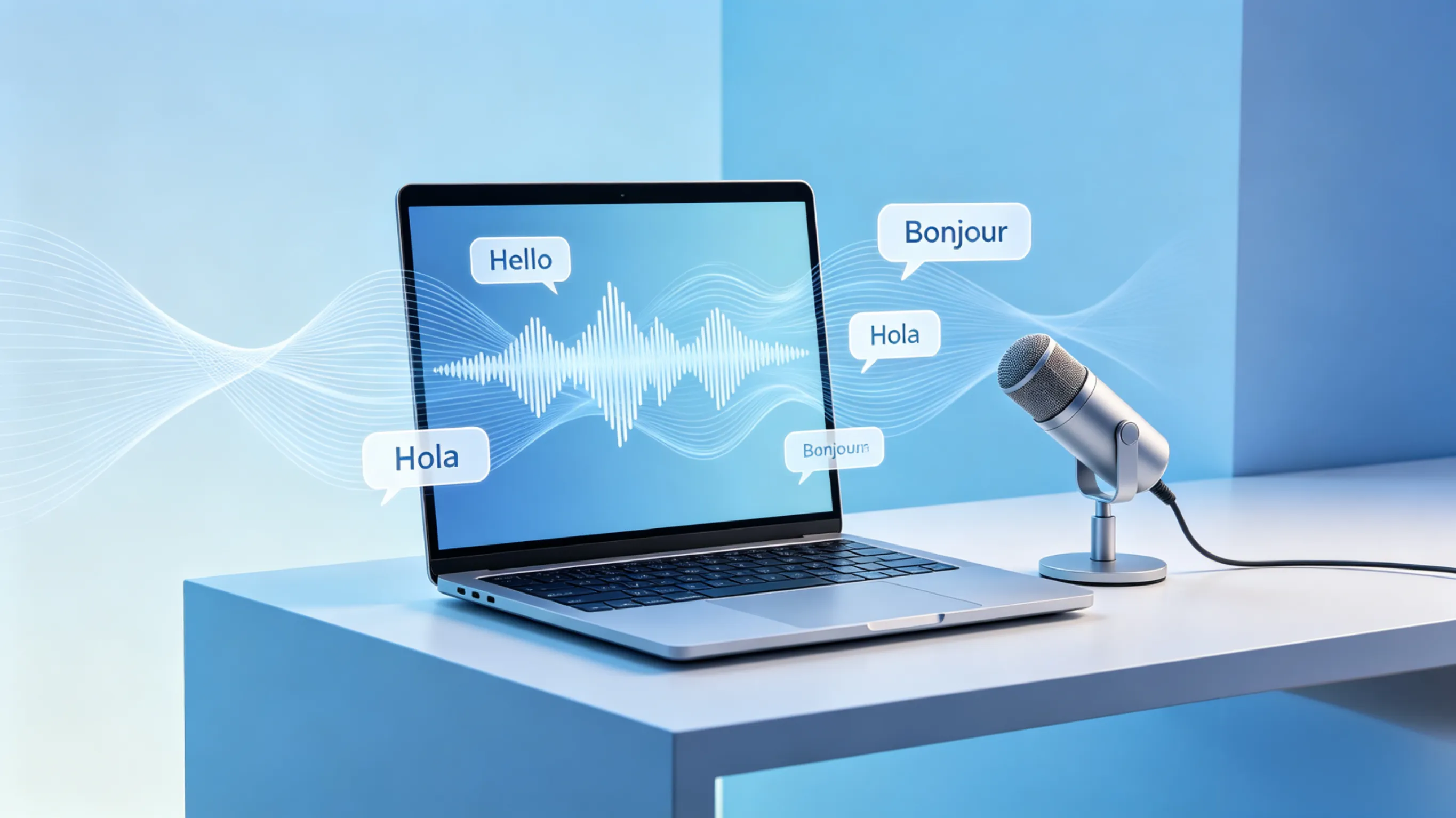
Clone Any Voice with Emotion and Speed Control
Upload a short audio clip and VoxCPM 2 captures the speaker's voice — including their tone, accent, and natural rhythm. Then guide the delivery: add style instructions like "slightly faster, cheerful tone" to shape how the cloned voice reads your text. The result preserves the original voice identity while giving you full control over the emotional delivery.
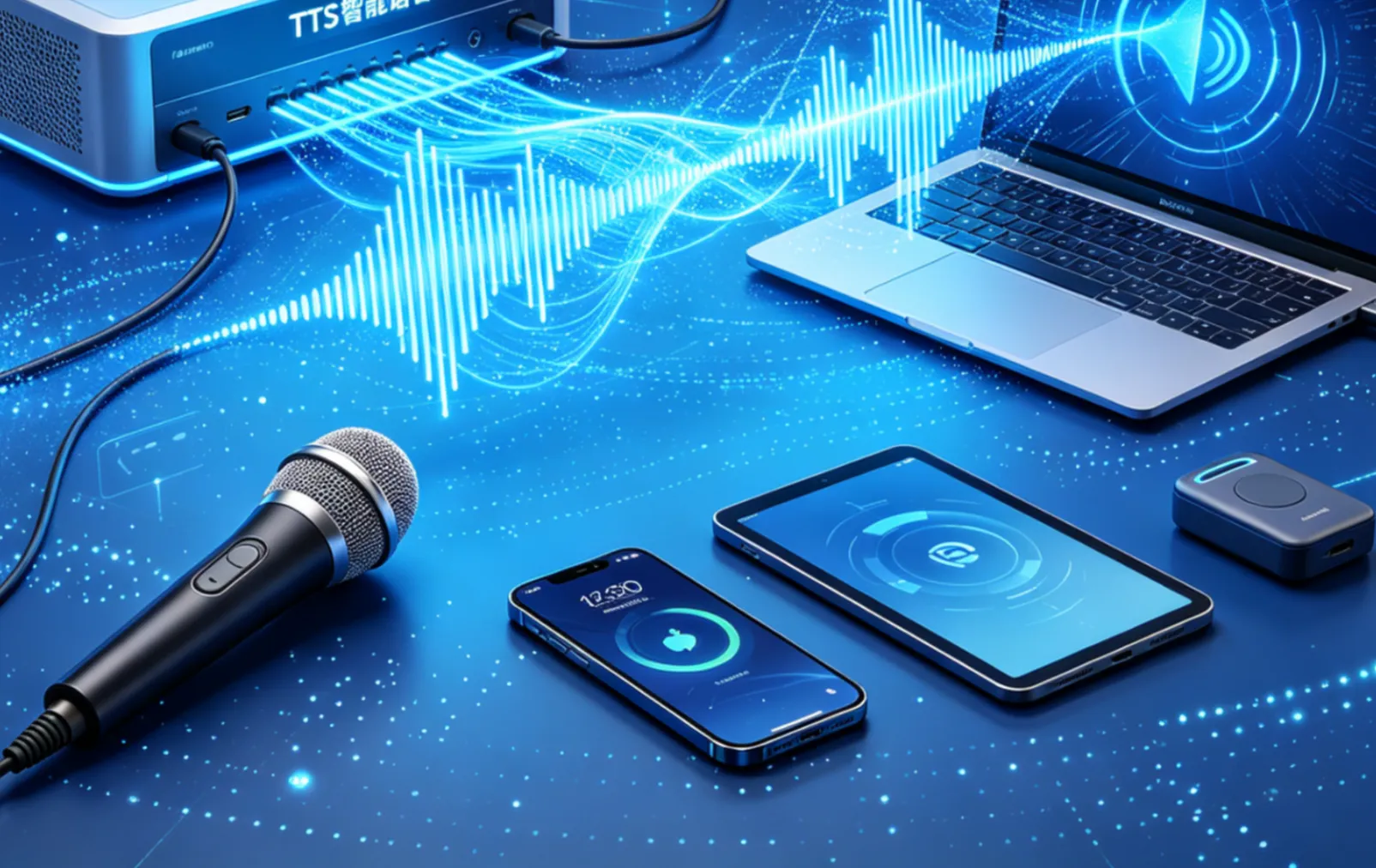
Speak 30 Languages — Mix Them Freely in One Script
VoxCPM 2 handles 30 languages including English, Chinese, Japanese, Spanish, French, Arabic, Hindi, Korean, and more — without requiring you to label which language each sentence is in. Drop a script that switches between English and Japanese mid-paragraph and VoxCPM 2 reads it naturally. No manual tagging, no separate generation passes per language.

48kHz Studio-Quality Audio — Even from Low-Quality Input
VoxCPM 2 outputs audio at 48kHz — the same quality used in professional recording studios. If your reference audio was recorded at lower quality, the built-in audio enhancement automatically upgrades it to studio standard. The final output is clean, clear, and ready for podcasts, audiobooks, video narration, or any professional project.
Your First VoxCPM 2 Audio in 3 Steps
From text to studio-quality speech with VoxCPM 2 — choose your voice, set the style, and download.
Choose Your Voice Mode
Pick from three modes: Voice Design to create a new voice from a text description (e.g., "middle-aged man, deep voice, calm pace"), Voice Cloning to copy an existing voice from a short audio clip, or Standard TTS to generate speech using a preset voice. All three modes support all 30 languages.
Enter Your Text and Set the Style
Type or paste your script — VoxCPM 2 automatically detects the language, so you can mix languages freely without adding tags. For cloned voices, add optional style guidance in parentheses at the start of your text, such as "(slightly slower, warm tone)" to shape the emotional delivery. No markup required for standard generation.
Generate and Download Your Audio
Click Generate and receive your audio file in seconds. Output is delivered at 48kHz studio quality, ready for podcasts, audiobooks, video voiceovers, game dialogue, or any other project. The same voice stays consistent across multiple generations, so long-form content sounds cohesive from start to finish.
What Makes VoxCPM 2 Different
Key advantages that make VoxCPM 2 the preferred choice for multilingual voice generation.
🎨 Create Voices That Don't Exist Yet
Most voice tools require you to clone from a real recording. VoxCPM 2 lets you describe a voice in plain text and generates it from scratch — no reference audio, no voice actor. Useful for fictional characters, brand voices, or any project where you need a specific sound that doesn't exist in the real world.
🌐 30 Languages — No Tags, No Switching
Write a script that mixes English, Japanese, and Spanish in the same paragraph and VoxCPM 2 reads it correctly without any language labels. Other tools require separate generation passes per language or manual tagging. VoxCPM 2 detects and handles language transitions automatically.
🎭 Emotion Follows the Text — Automatically
VoxCPM 2 reads the context of your text and adjusts the delivery to match. A dramatic scene gets a tense delivery. A casual message sounds relaxed. You don't need to add emotion tags to every sentence — the model infers the right tone from what the text actually says.
🔊 48kHz Output — Cleaner Than Most Competing Tools
VoxCPM 2 outputs at 48kHz, the standard for professional audio production. Many competing TTS tools output at 22kHz or 24kHz, which sounds noticeably thinner in headphones or on speakers. VoxCPM 2 audio holds up in professional contexts without post-processing.
📻 Upgrade Low-Quality Reference Audio Automatically
If your reference clip was recorded on a phone or in a noisy environment, VoxCPM 2 enhances it to studio quality before cloning. You don't need a professional recording to get a professional-sounding result — the built-in audio enhancement handles the cleanup.
✅ Commercial Use Included
Audio generated with VoxCPM 2 can be used in commercial projects — branded content, client audiobooks, advertising voiceovers, and customer-facing applications. No additional licensing fees, no usage restrictions for commercial work.
VoxCPM 2 FAQ
Common questions about VoxCPM 2 voice generation — languages, voice design, cloning, audio quality, and best practices.
Which 30 languages does VoxCPM 2 support?
VoxCPM 2 supports Arabic, Burmese, Chinese (Mandarin plus 9 regional dialects), Danish, Dutch, English, Finnish, French, German, Greek, Hebrew, Hindi, Indonesian, Italian, Japanese, Khmer, Korean, Lao, Malay, Norwegian, Polish, Portuguese, Russian, Spanish, Swahili, Swedish, Tagalog, Thai, Turkish, and Vietnamese. You can mix multiple languages in a single script without adding language labels — VoxCPM 2 detects them automatically.
How is Voice Design different from Voice Cloning in VoxCPM 2?
Voice Cloning copies an existing voice from a reference audio clip you provide — capturing the speaker's tone, accent, and rhythm. Voice Design creates a brand-new voice that has never existed, based on a text description like "elderly woman, gentle voice, slow pace." Voice Design is useful when you need a specific character voice but don't have a real recording to clone from.
How long does the reference audio need to be for voice cloning?
A few seconds of clear audio is enough for VoxCPM 2 to capture a voice's core characteristics. For best results, use a clip with natural speech and minimal background noise. Longer clips (15-30 seconds) can improve consistency for voices with unusual accents or highly expressive delivery styles.
Can I control the emotional tone of the generated speech?
Yes, in two ways. For cloned voices, add a style instruction at the start of your text in parentheses — for example, "(cheerful, slightly faster)" — to guide the delivery. For standard generation, VoxCPM 2 automatically infers the appropriate tone from the content of your text, so dramatic or emotional writing naturally gets a matching delivery without any manual tags.
What audio quality does VoxCPM 2 output?
VoxCPM 2 generates audio at 48kHz — professional studio quality. If your reference audio was recorded at lower quality (such as 16kHz from a phone recording), the built-in audio enhancement automatically upsamples it to 48kHz before cloning. The final output is clean and ready for professional use without additional post-processing.
Can VoxCPM 2-generated audio be used in commercial projects?
Yes. Audio created with VoxCPM 2 can be used in commercial projects including branded podcasts, video advertisements, audiobooks, game dialogue, and customer-facing voice applications. You retain full usage rights to all audio you generate through the platform.