
F5-TTS Voice Generator
F5-TTS converts your text into natural, human-like speech using zero-shot voice cloning — no training required. Upload just 10 seconds of reference audio to capture any voice's tone and personality. With built-in emotion control, speed adjustment, and seamless English-Chinese switching, F5-TTS delivers expressive, studio-quality audio for podcasts, audiobooks, voiceovers, and virtual assistants.









Your generated audio will appear here
F5-TTS: Clone Any Voice, Speak Any Emotion
F5-TTS turns written text into expressive, natural-sounding speech — clone a voice from a short sample, control the emotion, and switch languages without re-recording.
Clone Any Voice from Just 10 Seconds of Audio
Upload a short voice sample — as little as 10 seconds — and F5-TTS instantly captures that voice's tone, rhythm, and personality. The cloned voice speaks your text exactly as the original speaker would, preserving natural rises and falls in pitch. No lengthy recordings, no manual setup — just a brief clip and you're ready to generate.
Emotion Control Without Any Extra Effort
Instead of tagging every sentence with mood instructions, simply provide a reference audio clip that demonstrates the feeling you want — calm narration, energetic delivery, or warm storytelling. F5-TTS reads the emotional style directly from the sample and applies it to your new text. The result sounds like a real person reading your script, not a machine following commands.
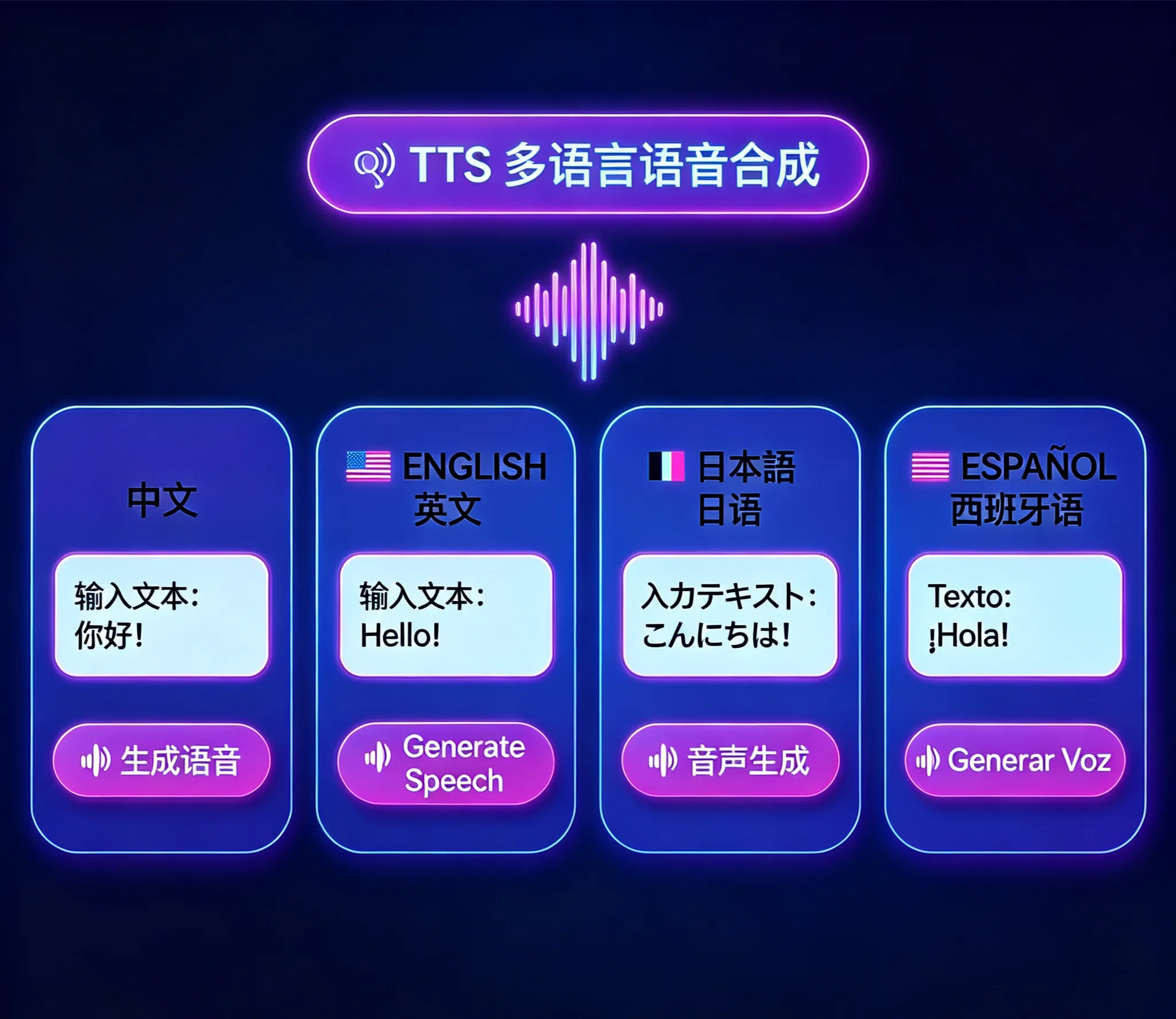
Switch Between English and Chinese Mid-Sentence
F5-TTS handles seamless code-switching between English and Chinese within a single generation. Produce bilingual content, mixed-language scripts, or localized versions of your audio without re-recording or switching tools. The cloned voice identity stays consistent across both languages.
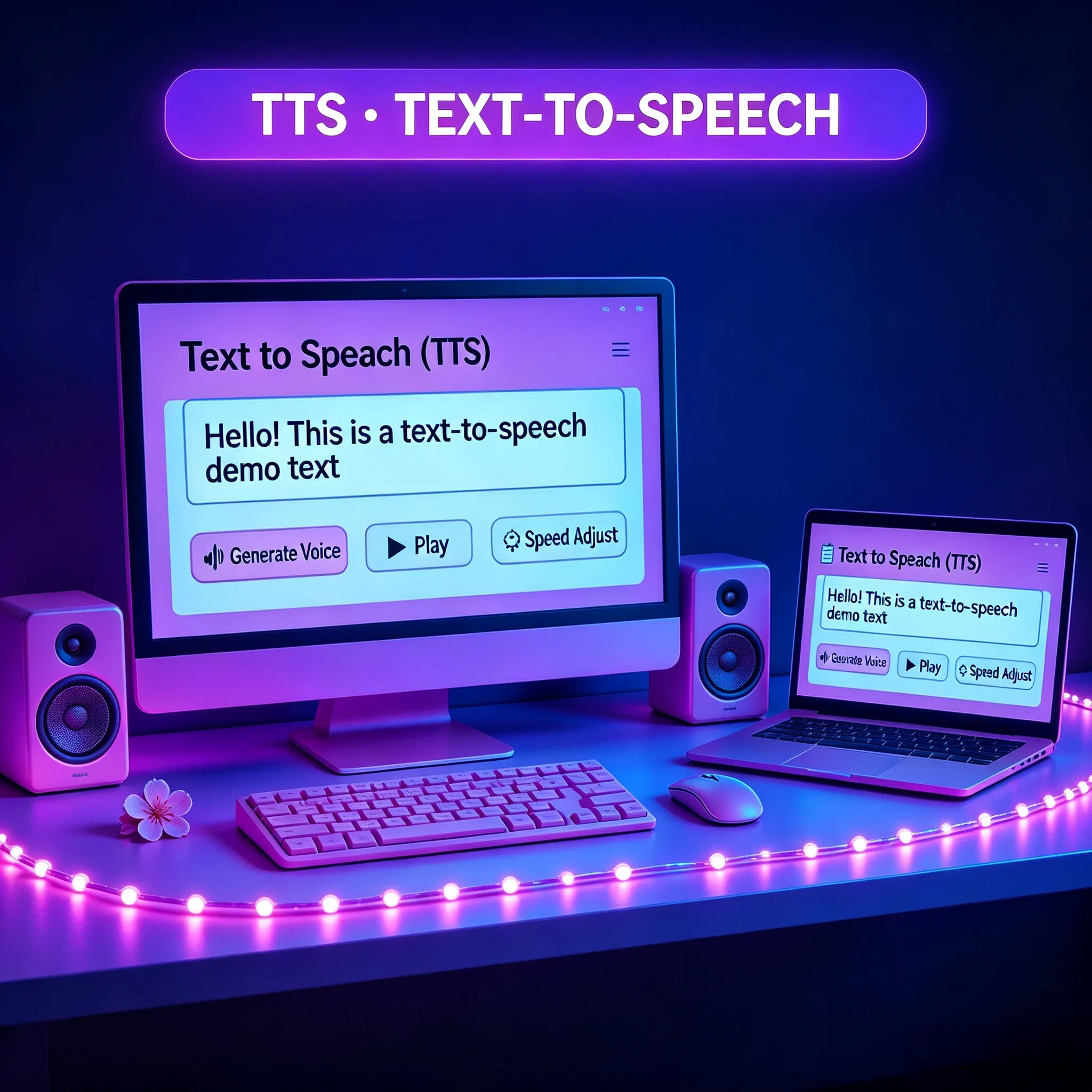
Speed Control for Every Listening Context
Adjust playback speed to match your audience — slow down for clear educational narration, speed up for fast-paced promotional content, or keep it natural for podcasts and audiobooks. F5-TTS generates audio at your chosen pace while preserving the natural rhythm and clarity of the cloned voice.
From Text to Cloned Voice in 3 Steps
Generate natural, expressive audio with F5-TTS — no recording studio, no voice training required.
Upload Your Reference Audio
Record or upload a voice sample — just 10 seconds of clear speech is enough. This clip teaches F5-TTS the voice's tone, pace, and personality. You can use any recording: a podcast clip, a voice memo, or a short sentence spoken into your microphone. Choose English or Chinese as your target language.
Enter Your Text and Set the Style
Type or paste the text you want spoken. Optionally upload a mood reference audio to guide the emotional delivery — calm, energetic, or conversational. Adjust the speed between slower narration pace and faster presentation pace to match your project's needs.
Generate and Download Your Audio
Click Generate and receive a high-quality audio file within seconds. Preview the result before downloading. The output is ready for podcasts, YouTube narration, audiobook chapters, video voiceovers, game character voices, or embedding into your app.
What Makes F5-TTS Different
Key advantages that make F5-TTS the preferred choice for zero-shot voice cloning and expressive speech generation.
🎙️ 10-Second Clone vs. Hours of Recording
Traditional voice cloning tools require 20+ hours of recordings to capture a voice. F5-TTS needs just 10 seconds — a single short sentence — to produce a convincing, natural-sounding clone. That's the difference between a week of studio work and a quick voice memo.
🎭 Emotion Captured from Audio, Not Tags
Other TTS tools make you manually annotate every sentence with emotion codes like [cheerful] or [sad]. F5-TTS reads the feeling directly from a reference audio clip and applies it automatically — saving hours of tedious markup work per project.
⚡ Generates Faster Than Real-Time Speech
F5-TTS processes audio at a 0.15 real-time factor — meaning it generates a 10-second clip in about 1.5 seconds. Most comparable tools take 5-10 seconds for the same output. You spend less time waiting and more time creating.
🌏 Bilingual Voice That Stays Consistent
Clone a voice once and use it for both English and Chinese content. F5-TTS maintains the same speaker identity across both languages, so your audience hears a familiar, consistent voice whether you're publishing in English or Chinese — no separate recordings needed.
📚 Trained on 100,000 Hours of Speech
F5-TTS was trained on a massive 100,000-hour multilingual speech dataset, giving it the breadth to handle diverse accents, speaking styles, and vocal characteristics. Unusual voices, regional accents, and expressive speakers all clone accurately.
🎬 One Tool for Narration, Dialogue, and Characters
F5-TTS supports single-speaker narration, two-person dialogue synthesis, and multi-voice mixing in one workflow. Produce full podcast episodes, audiobook chapters with multiple characters, or game dialogue sequences without switching between different tools.
F5-TTS FAQ
Common questions about F5-TTS voice cloning and speech generation — capabilities, formats, languages, and best practices.
How much reference audio does F5-TTS need to clone a voice?
F5-TTS can clone a voice from as little as 10 seconds of clear audio. For best results, use a clip with minimal background noise and natural, conversational speech. Longer samples (30-60 seconds) can improve accuracy for very expressive or distinctive voices, but a short sentence or two is enough to get started.
Which languages does F5-TTS support?
F5-TTS natively supports English and Chinese, with seamless code-switching between both languages within a single generation. You can produce bilingual content or switch languages mid-sentence while keeping the same cloned voice identity throughout.
How do I control the emotional tone of the generated speech?
Upload a short reference audio clip that demonstrates the mood you want — calm, energetic, warm, or authoritative. F5-TTS extracts the emotional style directly from that audio and applies it to your text. No manual annotation or emotion tags are required.
What types of content can I create with F5-TTS?
F5-TTS supports three generation modes: single-speaker narration for podcasts, audiobooks, and voiceovers; two-person dialogue synthesis for interviews and conversations; and multi-voice mixing for scenes with multiple characters. All modes use the same zero-shot voice cloning approach.
How fast does F5-TTS generate audio?
F5-TTS generates audio at a 0.15 real-time factor — roughly 6-7x faster than the duration of the audio being produced. A 10-second clip takes about 1.5 seconds to generate. This makes it practical for batch production of long-form content like full audiobook chapters.
Can I use F5-TTS generated audio in commercial projects?
Yes. Audio created with F5-TTS through our platform can be used in commercial projects including branded podcasts, video advertisements, client audiobooks, and customer-facing voice applications. You retain full usage rights to all audio you generate.